
Device Lost: Major Security Incident or Data Breach?
The loss of a company notebook containing sensitive data is considered a major security incident because the consequences extend far beyond the cost of replacing the hardware. It is critical because a lost notebook instantly creates a data breach that can compromise the company’s finances, reputation, legal standing, and future business viability.
The primary risk is the exposure of the data stored on the device.
- Massive Financial Costs: Studies estimate the total cost of a data breach stemming from a lost or stolen laptop can range from tens of thousands to millions of dollars. This includes incident response, legal fees, notification costs, and lost business.
- Exposure of Sensitive Data: The notebook is likely to contain:
- Customer/Employee PII (Personally Identifiable Information): Names, addresses, Social Security numbers, financial records, and medical information. This is a direct path to identity theft for those affected.
- Intellectual Property (IP): Trade secrets, product roadmaps, proprietary source code, marketing strategies, or unfiled patents.
- Financial Records: Banking details, payroll information, or internal financial reports.
Reputational and Trust Damage
A data breach from a lost device can cause long-term damage to the brand that is difficult to recover from.
- Loss of Customer Trust: Public reports of a data breach signal a failure in security controls. Customers, partners, and investors may lose confidence, leading to churn and lost contracts.
- Negative Press: Data breaches are major news stories, permanently linking the company’s name with security failures.

Physical Security and Habit
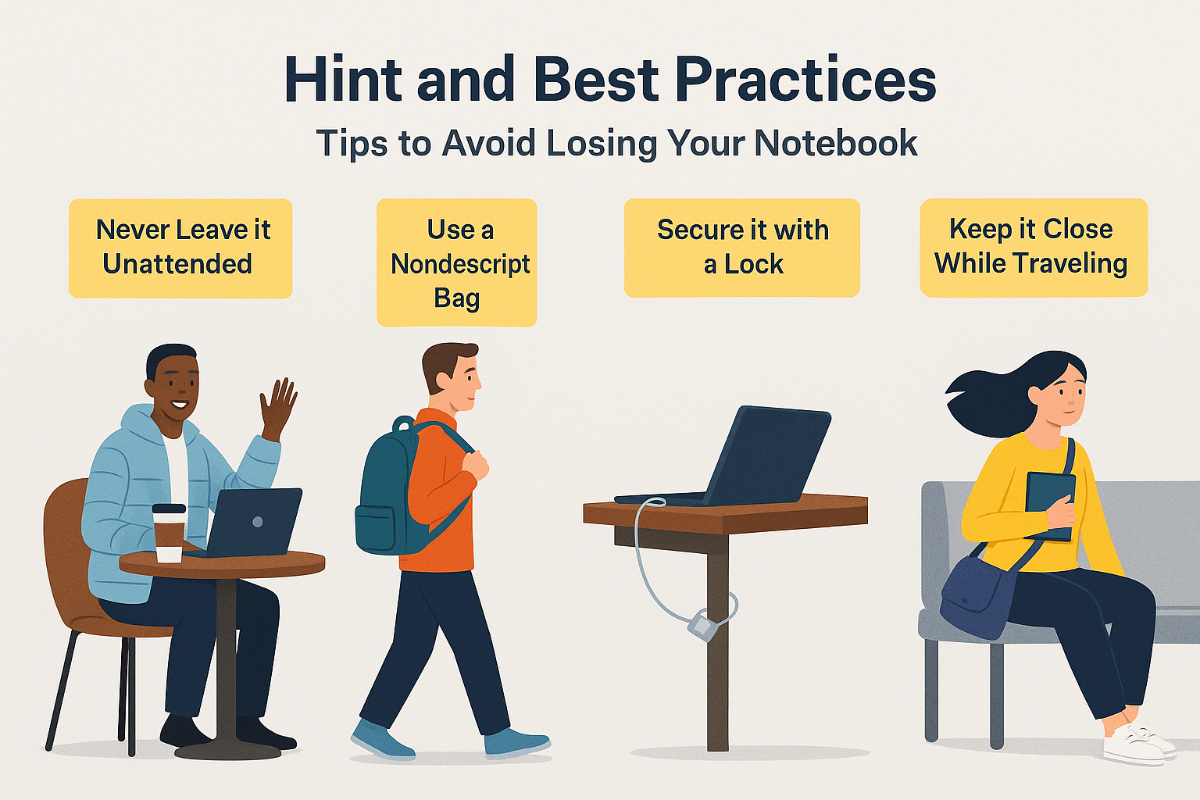
Never Leave it Unattended: This is the most crucial rule. Whether you’re in a coffee shop, an airport, or an office breakroom, take your notebook with you, even for a quick bathroom break. If you must leave something, leave a low-value item (like a jacket or a half-finished drink) to “hold your spot,” but always take the notebook.
Use a Nondescript Bag: A flashy or expensive-looking laptop bag announces to everyone that you have something valuable. Carry your notebook in a plain, non-branded, or general backpack/bag to draw less attention.
Secure it with a Lock (Laptop): Use a physical cable lock (like a Kensington lock) to tether your laptop to an immovable object in public spaces like libraries or cafés.
Keep it Close While Traveling:
- In Transit: If carrying a bag, wear it across your body or keep it in your lap. At airport security, keep your eye on it as it goes through the X-ray machine and retrieve it immediately.
- In a Vehicle: Never leave it in plain sight. If you must leave it in a car, lock it in the trunk before you arrive at your destination, or take it with you.
- In a Hotel: Use the hotel safe or keep it locked in your luggage when you are out.